Engineering Journal
Case Study: ERP Integration Without APIs Using Puppeteer RPA

Situation
During one implementation, the business committed to integrate our shop-floor system with ERP. The blocker: the ERP team declined to provide APIs.
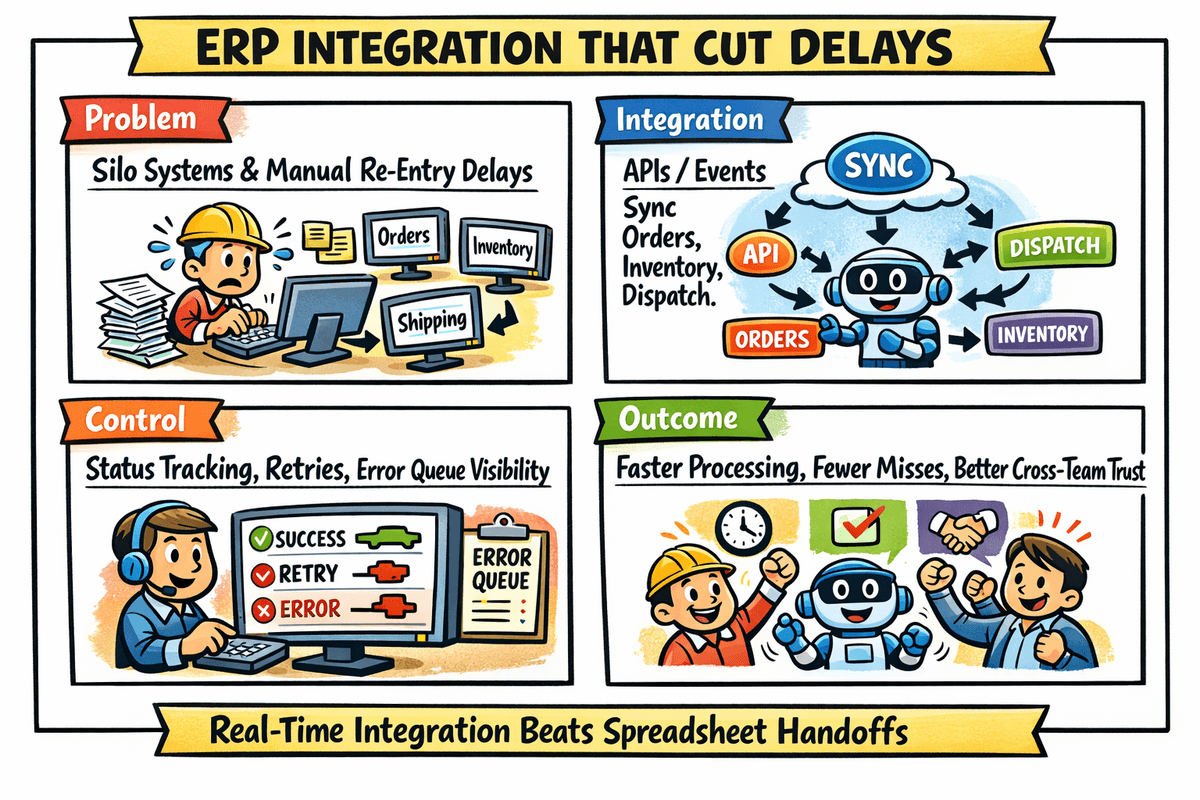
Without integration, order visibility and reporting would remain fragmented and manual.
Objective
Deliver full operational integration between our application and the ERP portal, even in a no-API environment, while preserving traceability and reliability.
Constraint We Faced
- No API exposure from ERP.
- Critical data still had to move both ways.
- Manual posting at scale would introduce delay and error.
Solution Strategy
We built a controlled RPA layer using Puppeteer to mimic trained user actions in the ERP portal.
This let us automate browser workflows with deterministic rules, validation, and audit trails instead of relying on ad-hoc manual operations.
What We Integrated
Data pulled from ERP portal into our system
- Sales Order data.
- Purchase Order data.
- RMPO data.
- RM inspection data and report extracts.
Data pushed from our system into ERP portal
- Shop-floor tracking updates.
- Operational progress reporting through existing ERP forms.
- Structured status updates mapped to ERP field expectations.
Reliability and Control Model
To make browser automation production-safe, we implemented:
- Correlation IDs for each sync run and each posted transaction.
- Pre-submit validation and post-submit reconciliation checks.
- Retry-safe workflows for transient UI/network failures.
- Error buckets for retry, manual-review, and hard-fail categories.
- Run logs with timestamps, payload summaries, and result codes.
Architecture Snapshot
- Scheduler-triggered RPA jobs for inbound and outbound sync windows.
- Puppeteer workers for portal login, navigation, form fill, and extraction.
- Parsing and normalization layer before data enters business services.
- Posting queue for outbound shop-floor updates with replay support.
- Monitoring and alerting for failed runs and delayed windows.
Business Outcomes
- Integration delivered on time despite API denial.
- Reduced manual re-entry across operations teams.
- Faster reporting cycles for order and raw-material visibility.
- Improved tracking fidelity between ERP and shop-floor execution.
Leadership Takeaway
When APIs are unavailable, automation can still be engineered as a dependable integration bridge if it is treated with the same rigor as any production interface.
Executive Snapshot
No-API does not have to mean no-integration. With controlled RPA architecture, portal workflows can become reliable integration lanes.
Integration Continuity
DeliveredProject moved forward even without ERP API support.Manual Effort
ReducedAutomated pull/push flows replaced repeated portal re-entry work.Tracking Visibility
ImprovedShop-floor and ERP status updates stayed synchronized through controlled automation.Constraint Discovery
No API commitment
ERP confirmed integration support at process level but did not provide machine APIs.
RPA Bridge Build
Puppeteer automation
We implemented browser-driven extraction and posting workflows with validation and retries.
Operational Stabilization
Monitoring + reconciliation
Correlation-based observability and reconciliation controls made the integration reliable in production.